When you click on links to various merchants on this site and make a purchase, this can result in this site earning a commission. Affiliate programs and affiliations include, but are not limited to, the eBay Partner Network.
BUT: they're out of stock! You could send Jean Francois-Breton a note, but I suspect that he was selling into a rapidly narrowing market, and has moved on. Yeah, it's the story of OBD-"1".
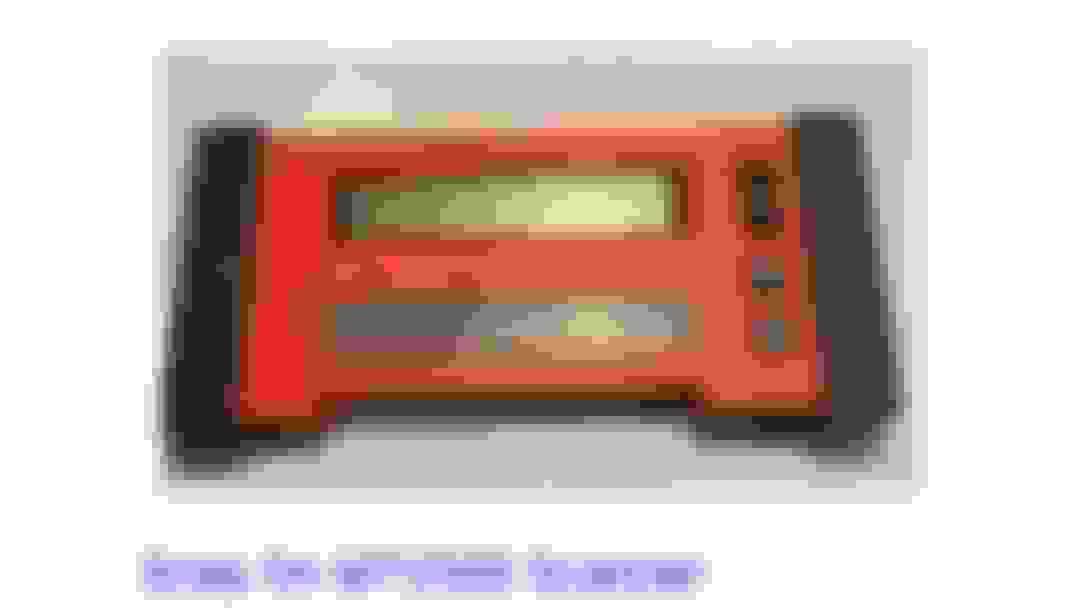
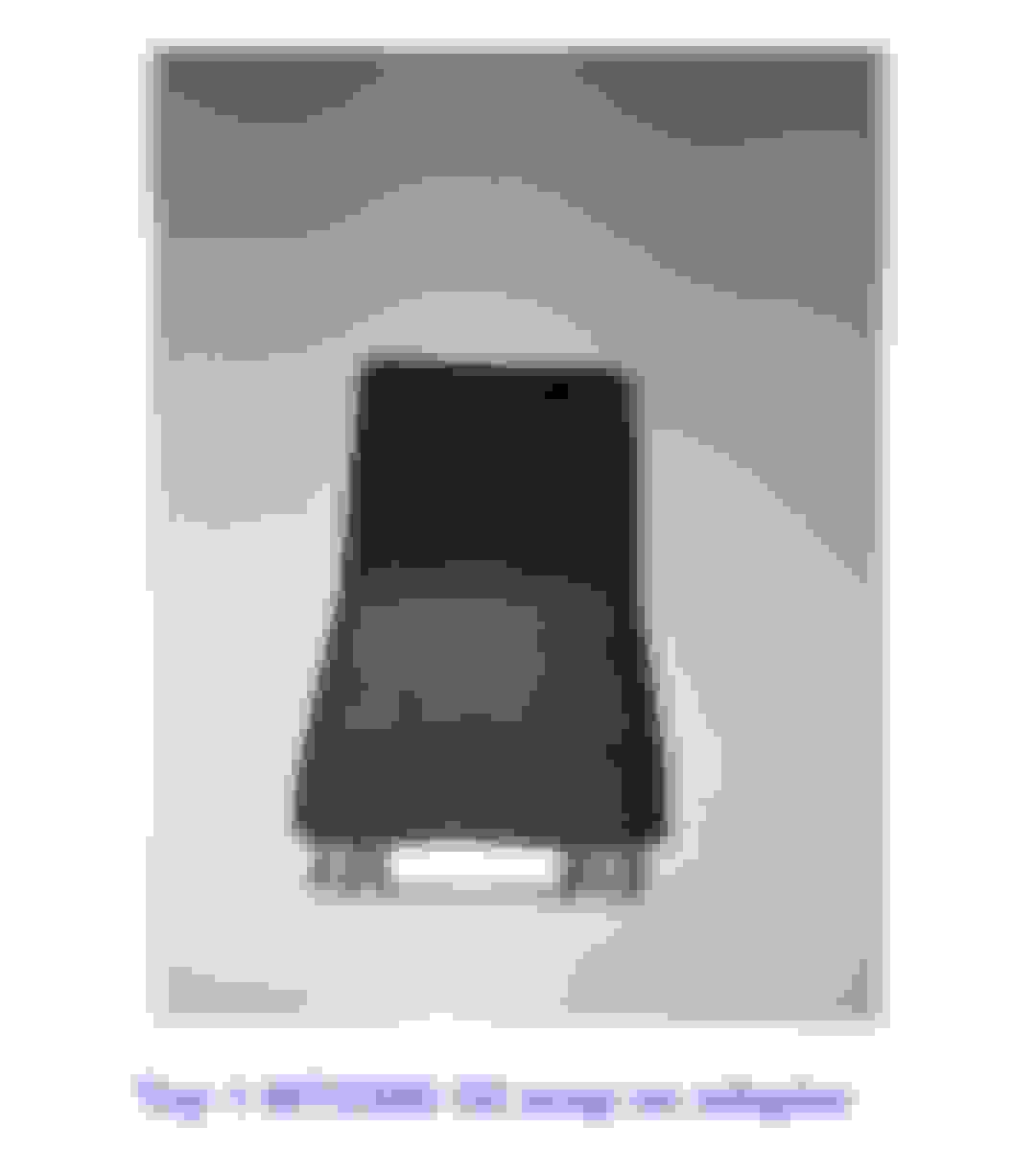
To start, you need MT2500-5000 (500???) cable and TOY-1 MT2500-50 adaptor.
These will get your scanner plugged into your Toyota OBD-1 truck.
You'll have to search for suitable software cartridges.
The cartridges I possess were the latest programable kind made for this scanner and they were loaded by the tool truck guy, years ago.
They are good for most domestic and imports from the early '80s up to 2003. (given the correct adaptors to connect to the various manufacturers OBD-1 plugins) I think that's about the time the MT2500 was superceded by a newer scanner model.
Last edited by millball; Apr 27, 2019 at 08:10 PM.
A couple issues I'm having now are: how do I power it so I don't have to keep the button held down the whole time? I feel like this is the cause of my 2nd problem: I can get all the way to the screen where it says I can release the button, but when I do that it shuts off.. shouldn't it get power from the toy-1 adapter?
Thank you all so much! Scope, I will try my best to get my hands on one of those, I've seen a video with an iPad on the dash showing all kinds of data, it looks pretty awesome!
I use a Snap-On Modis EEMS 300. It works good on anything pre 96. On my 94 it showed lots of different data. Has most of the stuff you'd find on regular OBDII cars inlcuding fuel trims, O2 voltage, TPS voltage, ECT, RPM, timing advance and a few others. It's a pretty capable machine, just cumbersome to use.
A couple issues I'm having now are: how do I power it so I don't have to keep the button held down the whole time? I feel like this is the cause of my 2nd problem: I can get all the way to the screen where it says I can release the button, but when I do that it shuts off.. shouldn't it get power from the toy-1 adapter?
Thank you all so much! Scope, I will try my best to get my hands on one of those, I've seen a video with an iPad on the dash showing all kinds of data, it looks pretty awesome!
The button is just a test of operations. Some of the connections made to the vehicle being tasted will provide the operational power. The Snap-On book says for Toy-1 adapter use that a separate power supply is needed. There is a battery pack available or you can use the plug in power adapter to power the MT2500



 Apr 24, 2019 | 10:48 AM