


2006 Tacoma reverse camera install
 Feb 26, 2012 | 07:20 PM
#1

Thread Starter
Contributing Member
Joined: Feb 2008
Posts: 12,248
Likes: 33
From: Lake City, Fl
 2006 Tacoma reverse camera install
So I bought one of those cheap (like $12) cameras that flood eBay because I figured what the heck do I have to lose, $12?  And it actually feels like it's a pretty good quality built camera! The housing of the camera itself is aluminum, and is sealed at the front and back so it's watertight. The included RCA cable has a single wire that runs the length of it which makes it SUPER easy to run power back to the camera; only have to run the one cable back as apposed to having to run the RCA cable AND a separate power cable. And the RCA cable was the PERFECT length; ran it all the way up into the cab following the factory wiring harness on the frame rail and ended up with about a foot sticking out of the dash once the wire was fed up through it
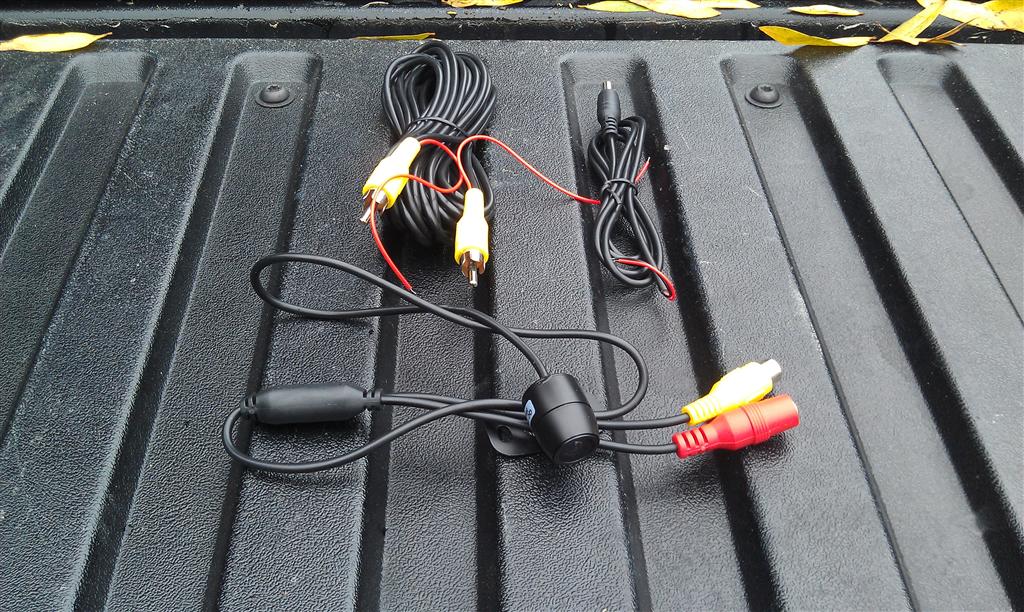
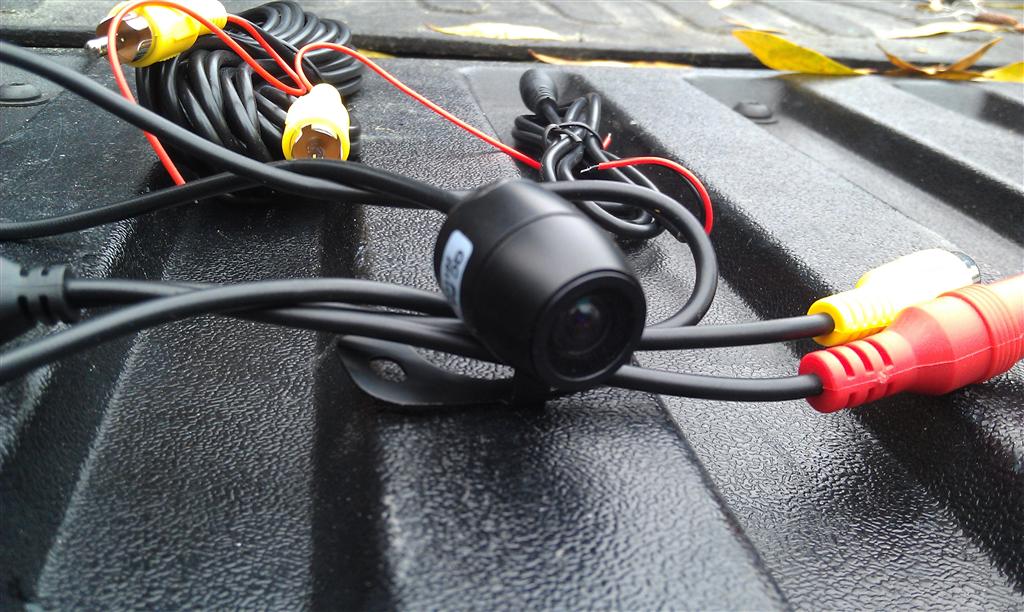
The most ideal place I could think of to mount it was on the bottom of the bumper just above the trailer hitch
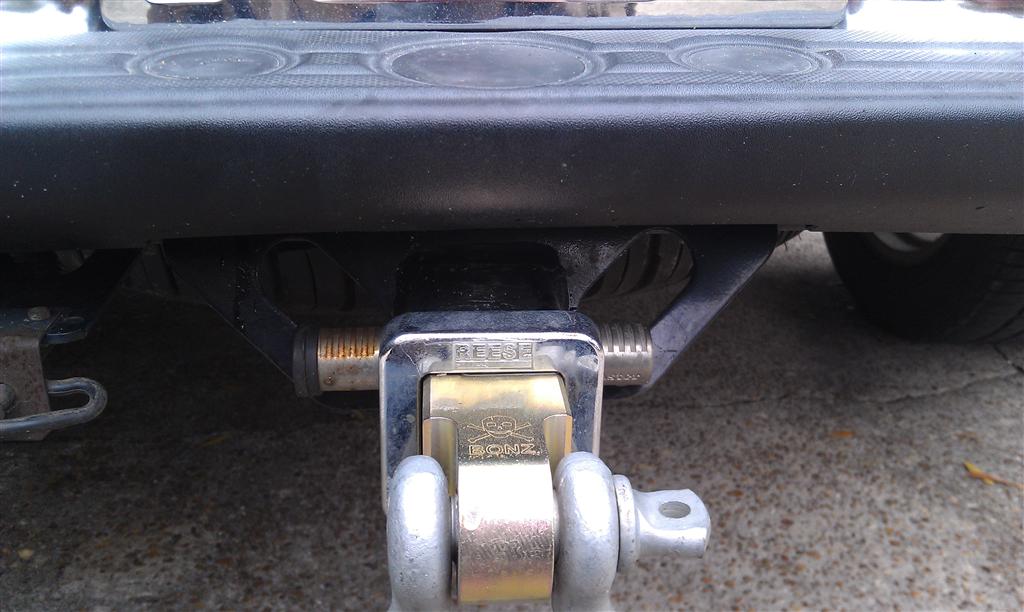
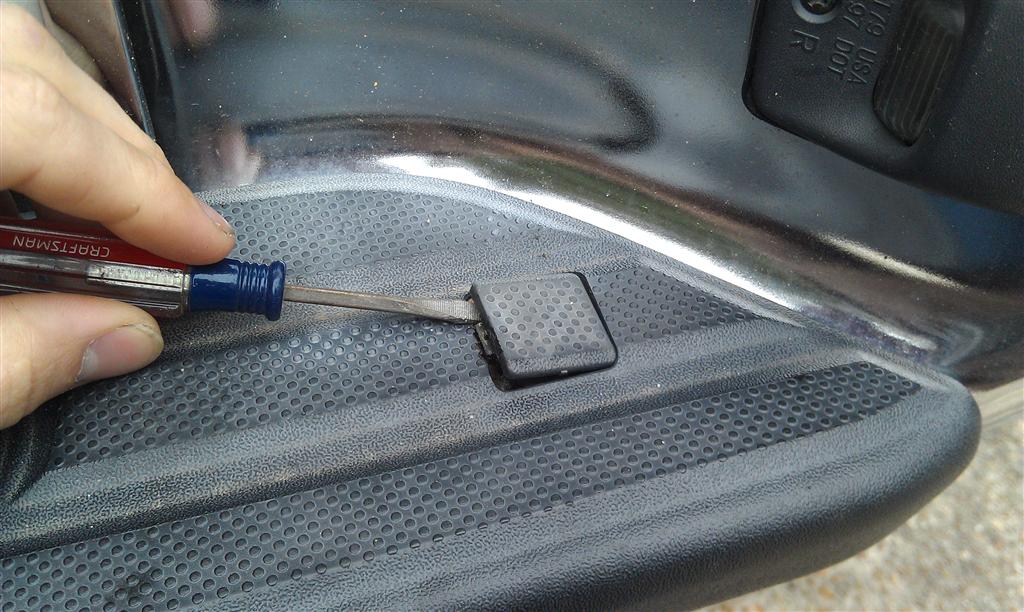
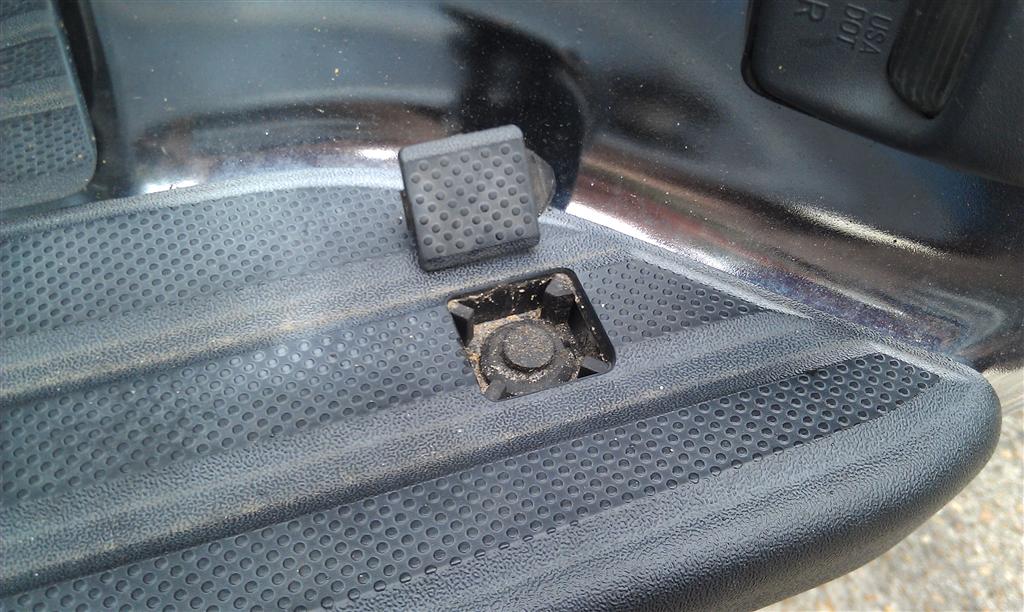
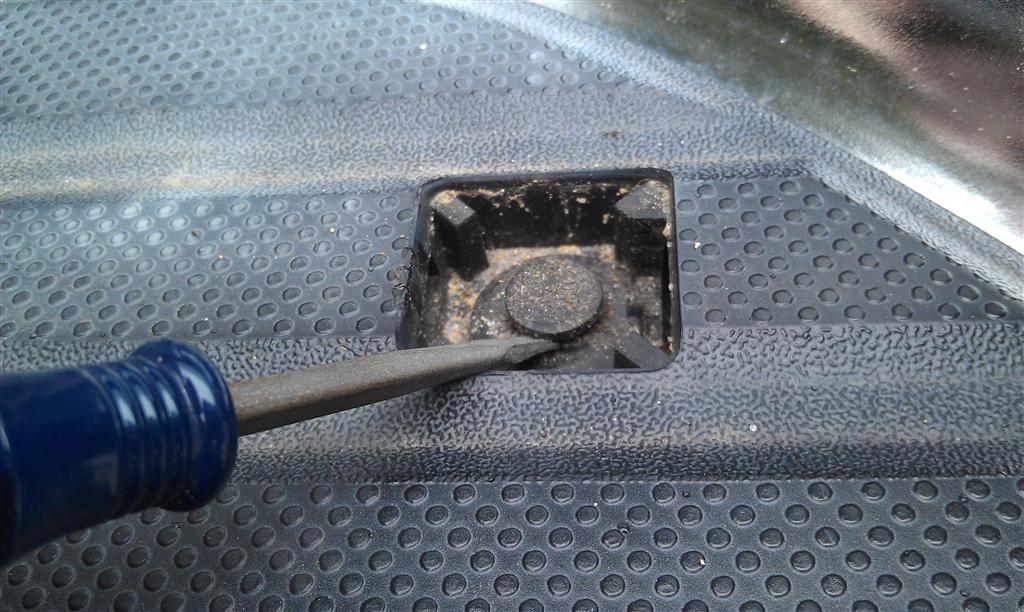
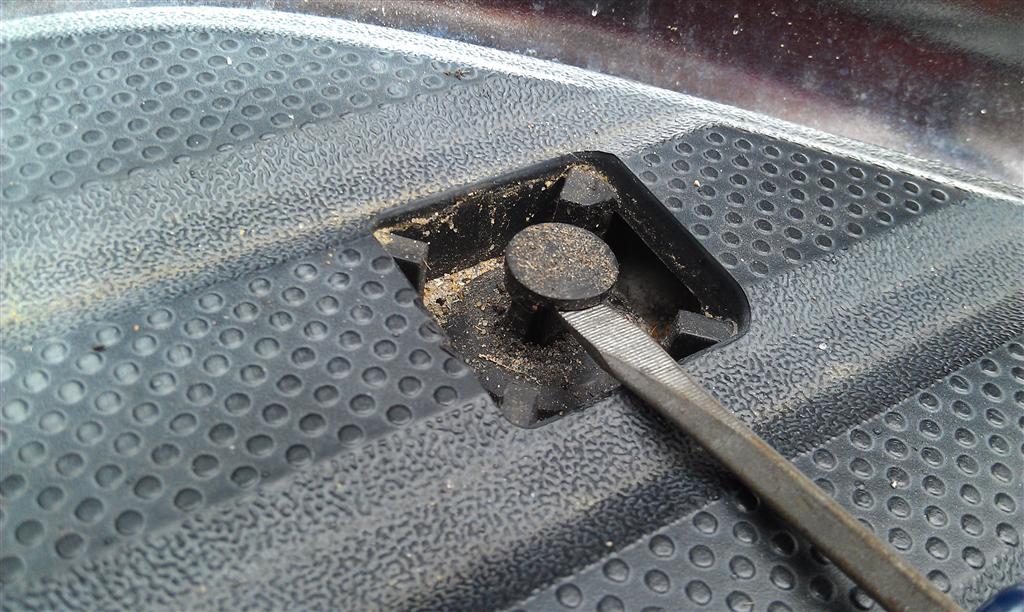
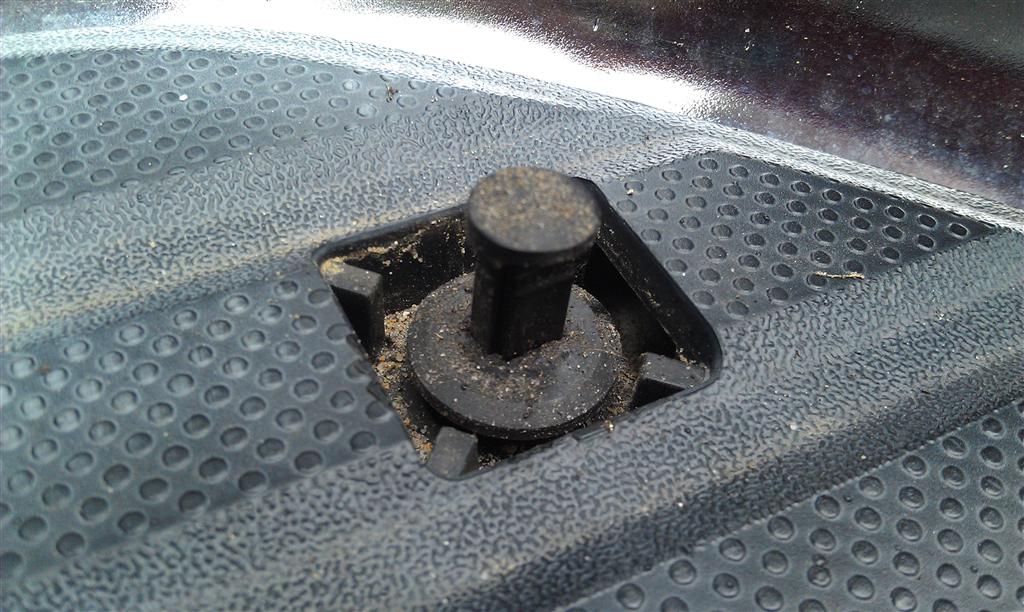
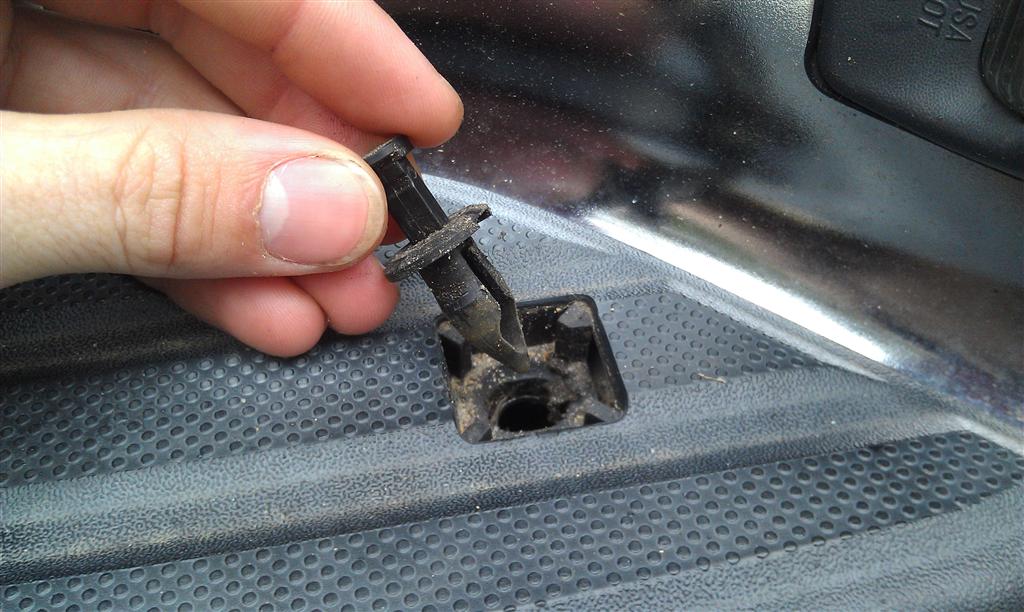
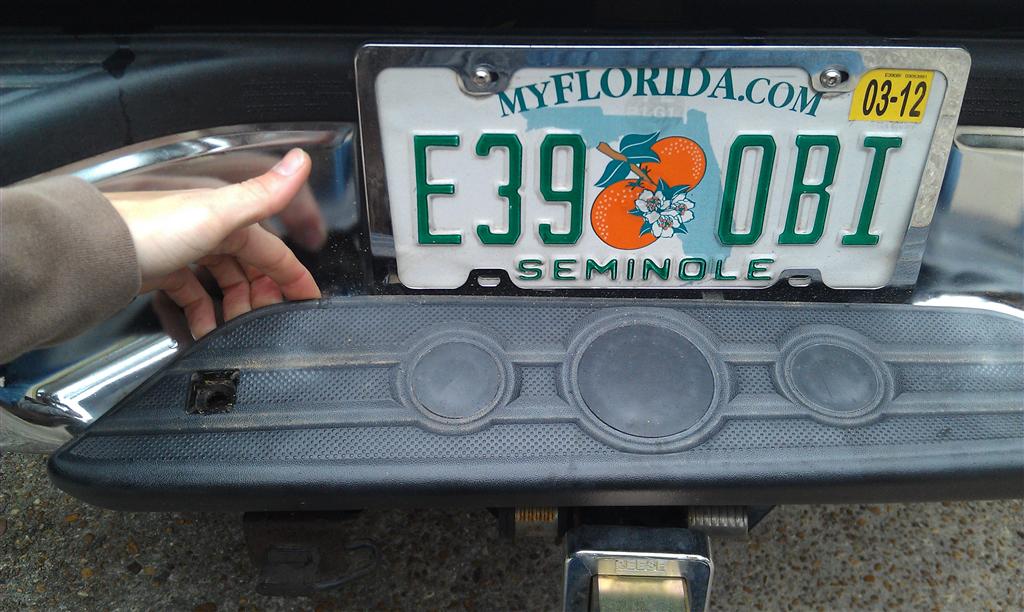
And in order to do that, the plastic cover has to come off. A small flat head screw driver pops off the top covers and the plastic push-clips, and underneath are 2 10mm bolts. After those are removed, the cover just pops off.
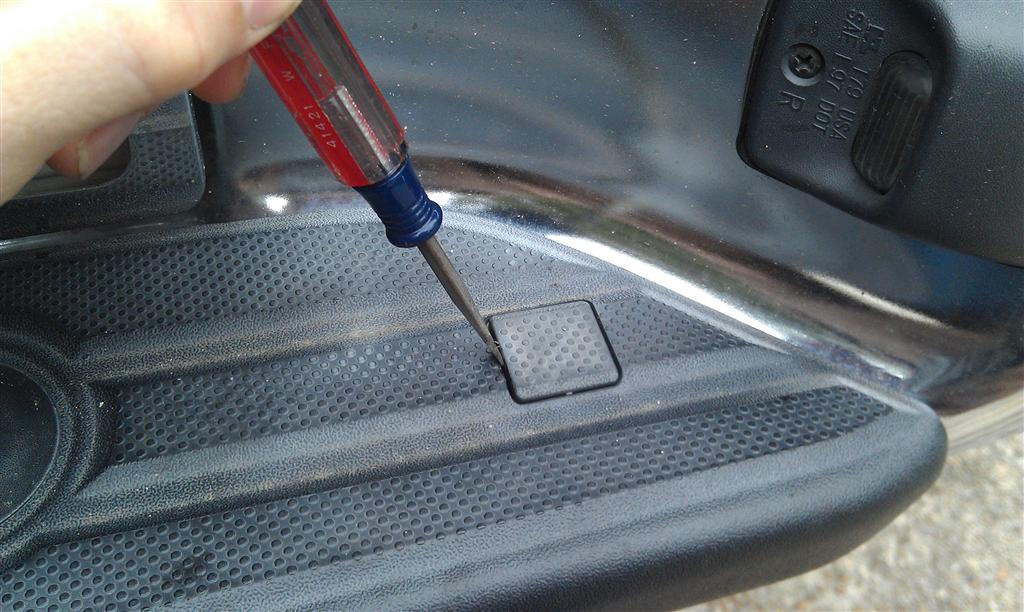
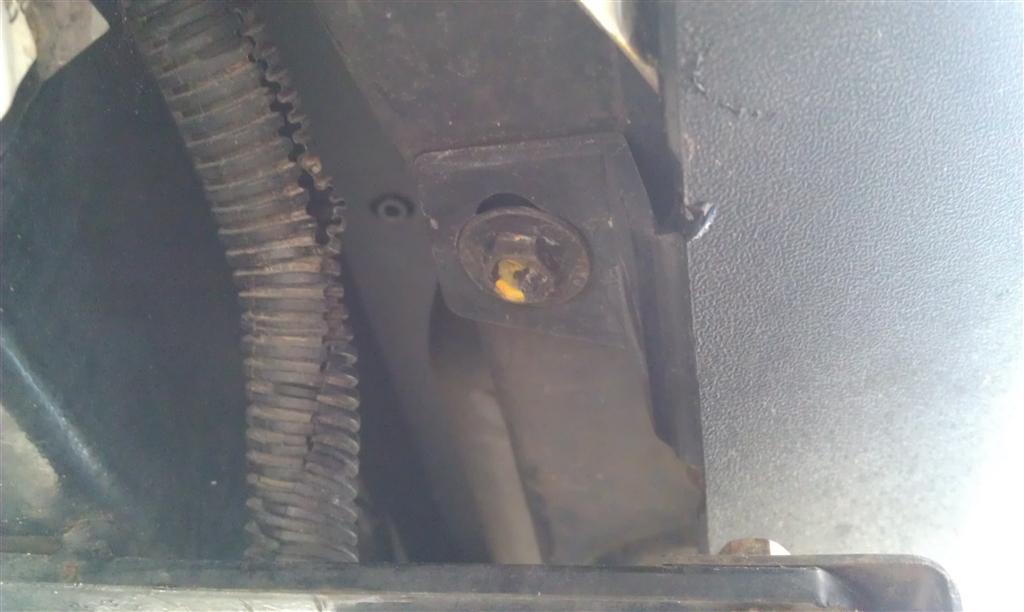
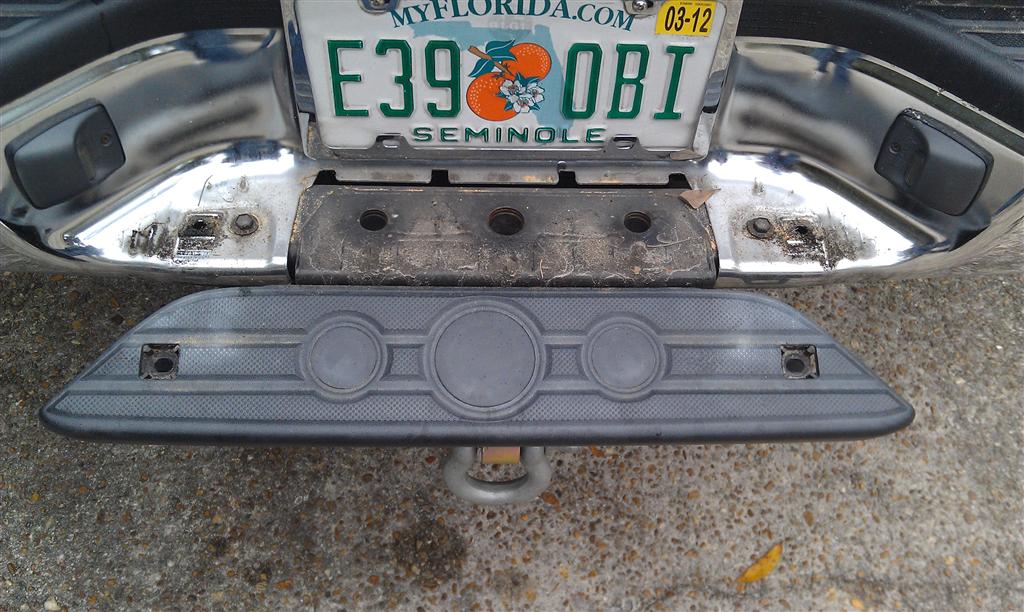
There's a convenient indent in the support behind that plastic cover; that's where our screw is going to end up
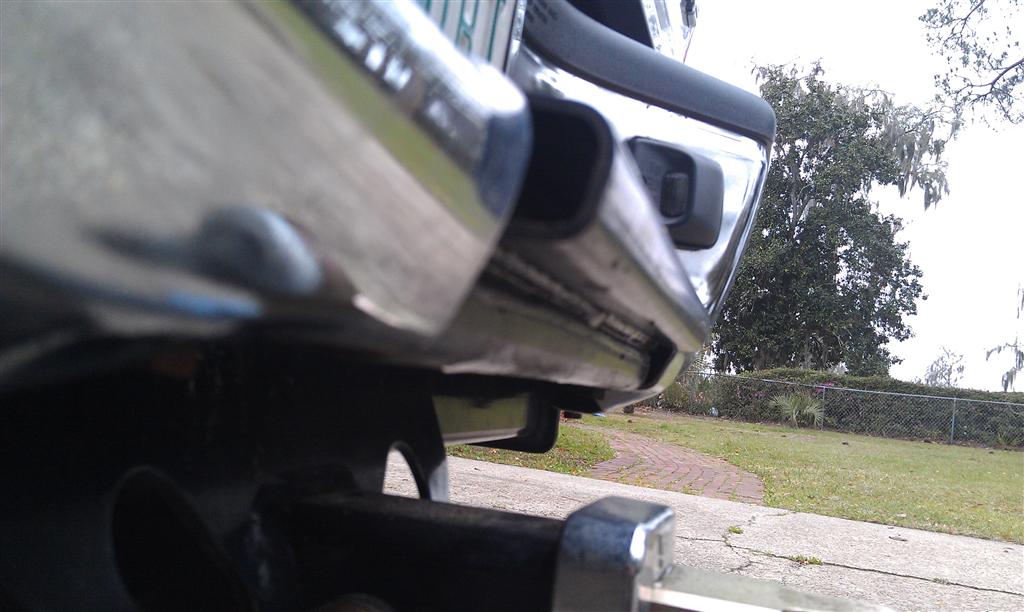
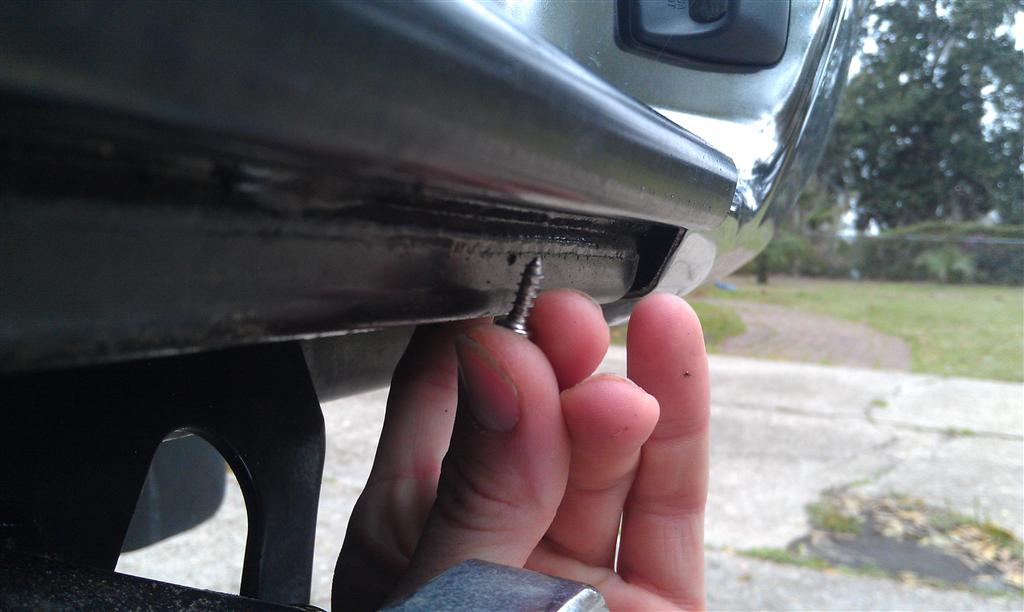
Centered up the bracket, marked the holes, threaded the screws through, then pulled them back out and mounted the bracket.
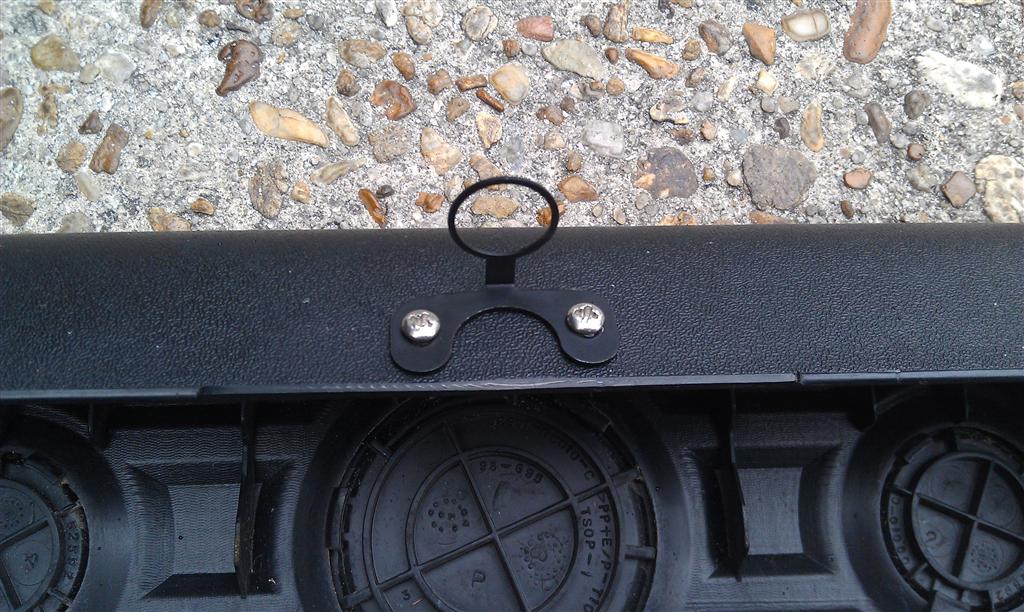
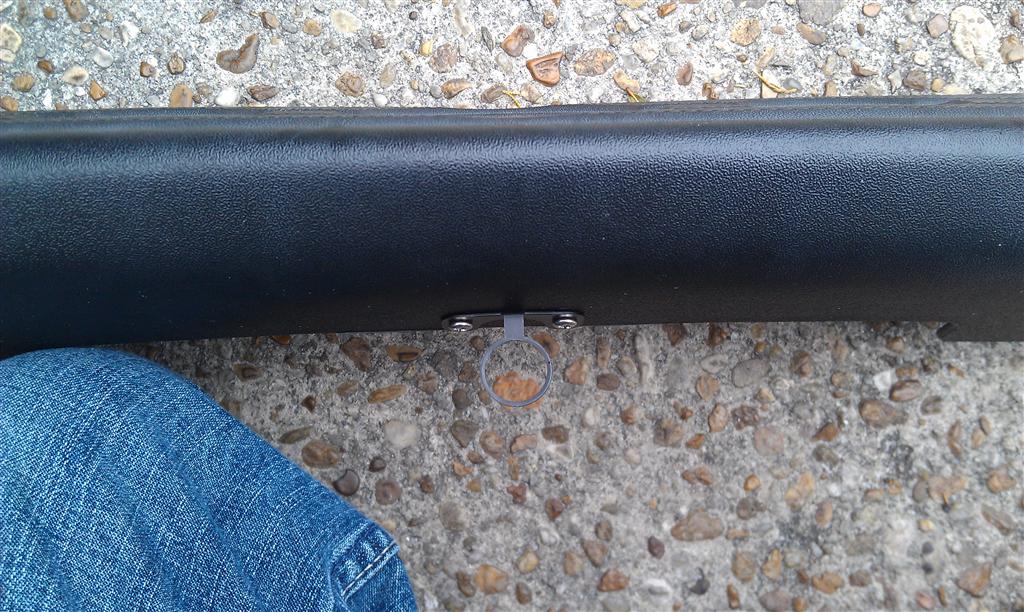
Reinstalled the plastic cover, then installed the camera into the bracket.
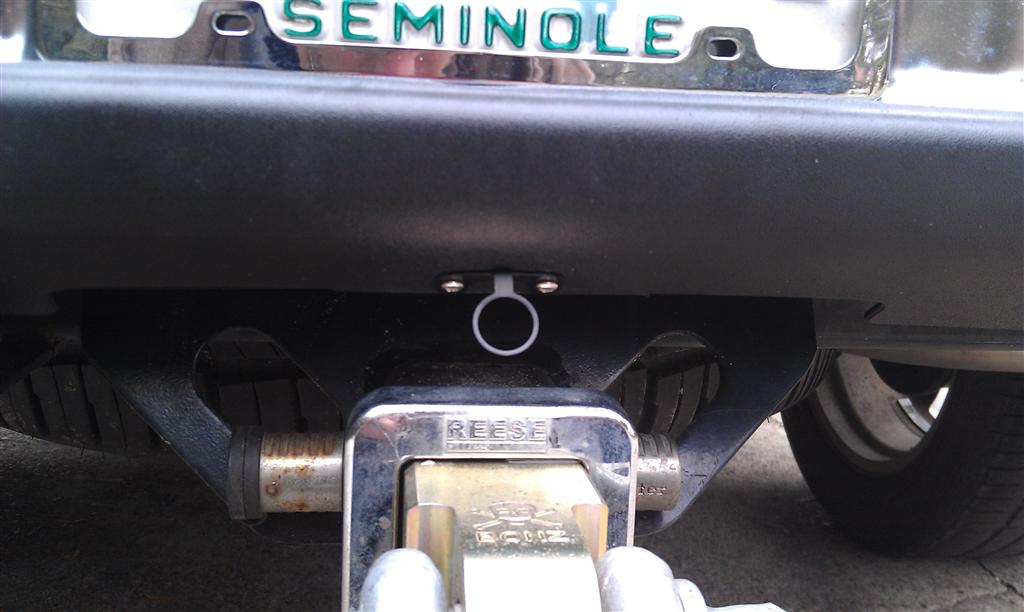
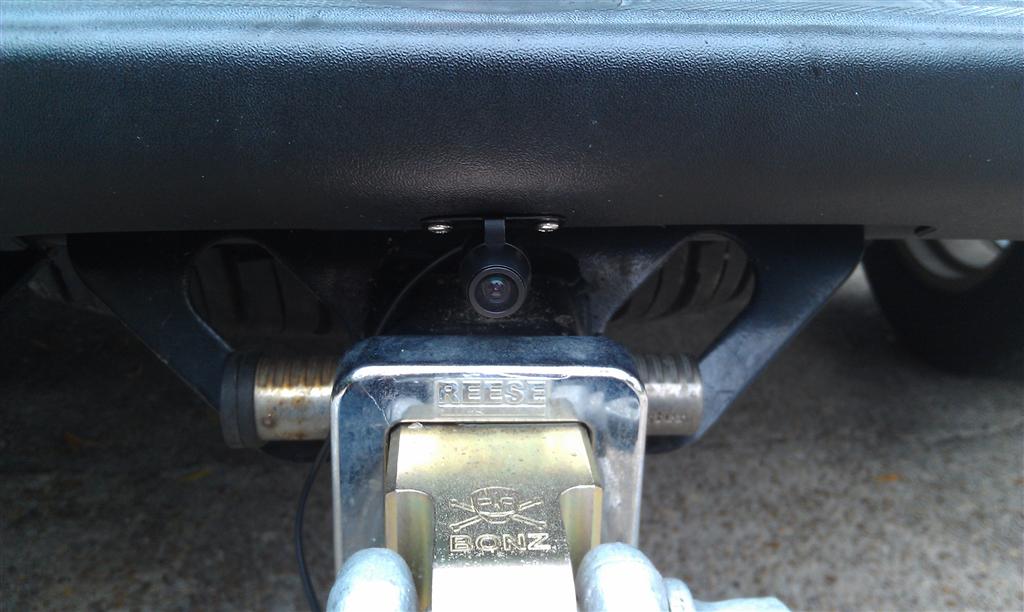
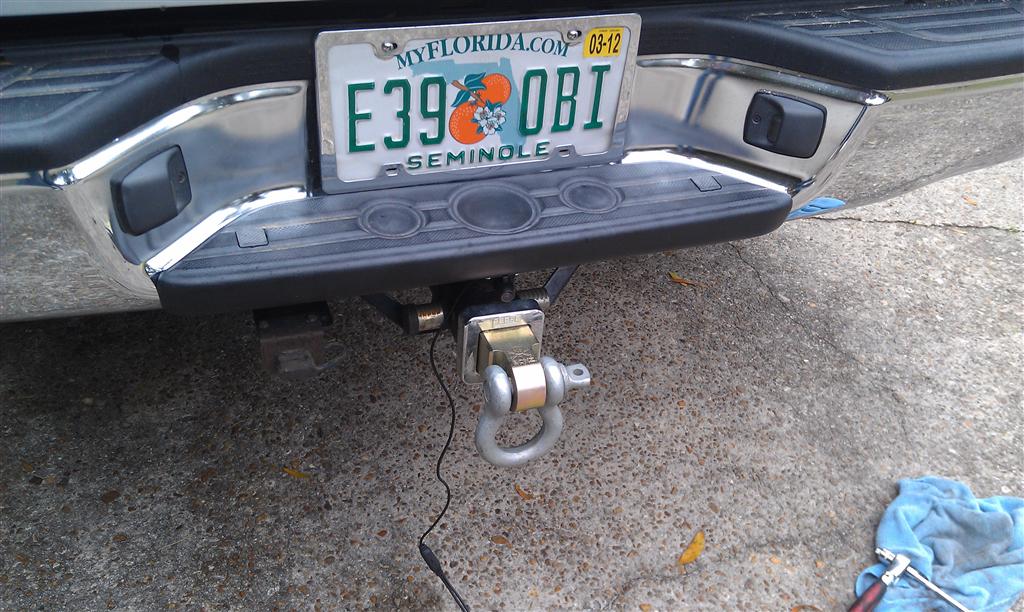
After that it's just a matter of running the wires up the frame rail following the factory harness and into the cab to hook up to your head unit or monitor.
While I had some paneling removed, I also had to tap into a reverse wire to tell my head unit when I'm in reverse so it knows to kick on the camera feed. Super easy to get to in these trucks. Just behind the driver's side kick panel are two plugs. The top one has a wire on it's top row that is red with a white stripe; that wire goes hot (12+) when in reverse.
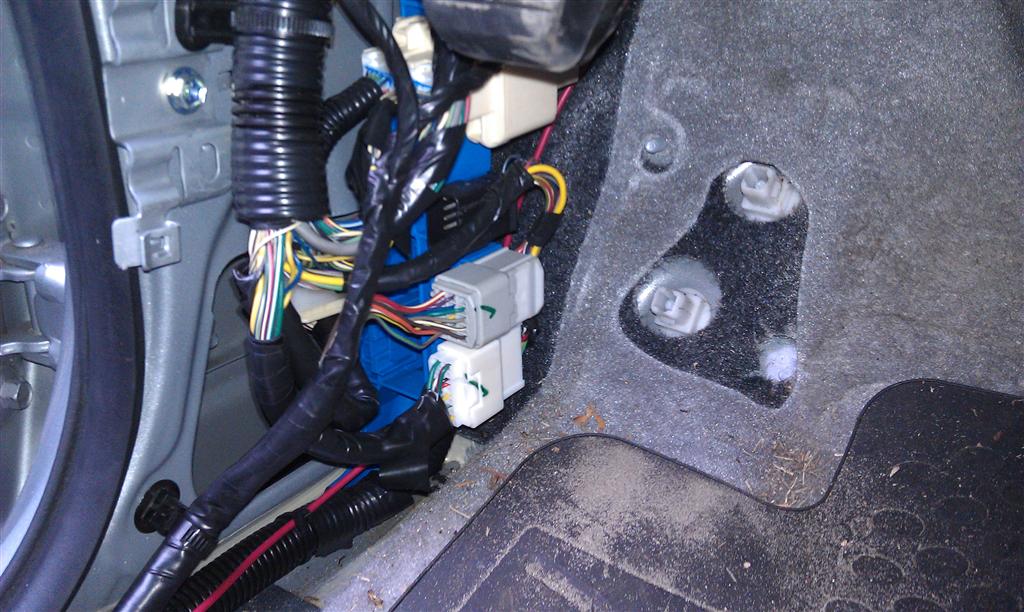
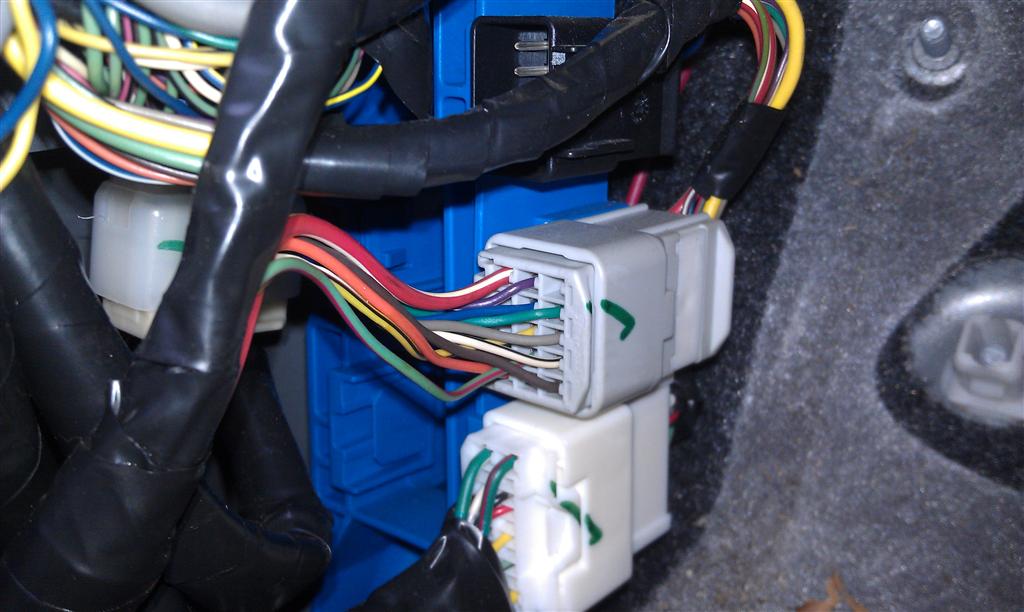
Now I DESPISE these little quick connects with a passion, but I'm hesitant to hack into a factory wiring harness... so we'll see how well this lasts...
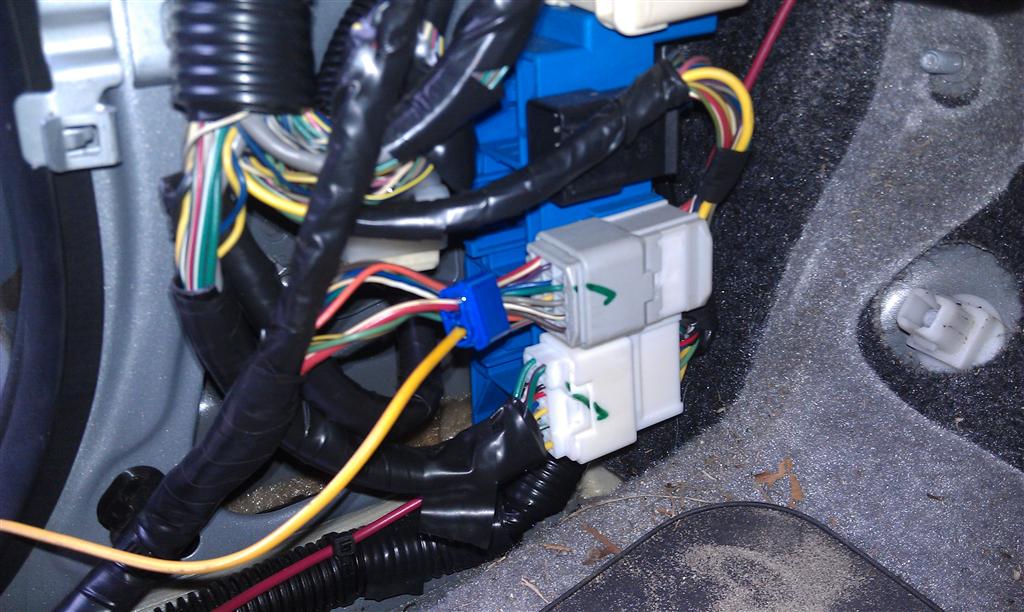
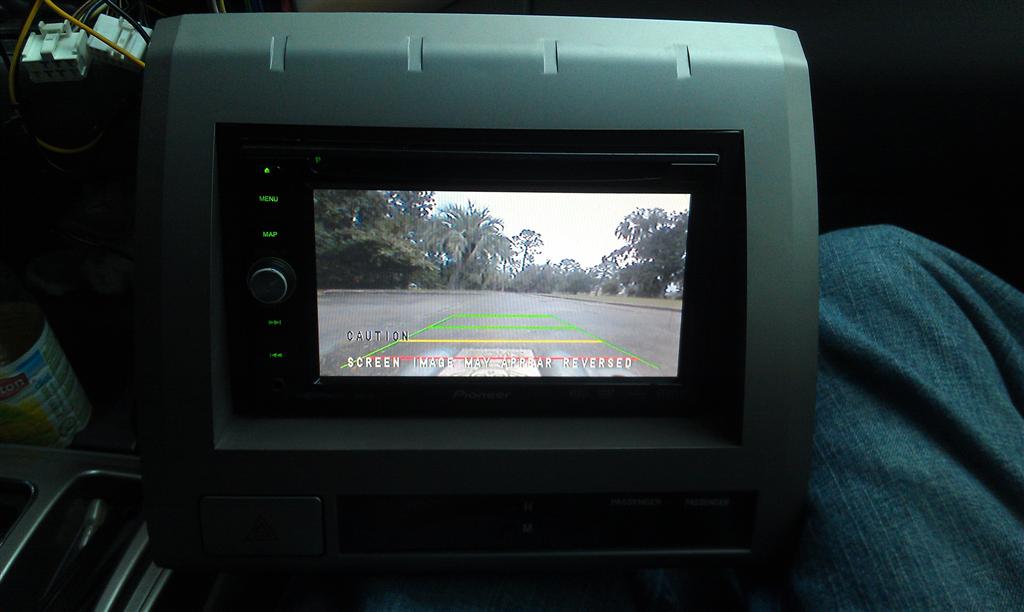
Now before you start putting everything back together, do yourself a favor and plug everything into you head unit and do a test, just to make sure everything is working properly
And it actually feels like it's a pretty good quality built camera! The housing of the camera itself is aluminum, and is sealed at the front and back so it's watertight. The included RCA cable has a single wire that runs the length of it which makes it SUPER easy to run power back to the camera; only have to run the one cable back as apposed to having to run the RCA cable AND a separate power cable. And the RCA cable was the PERFECT length; ran it all the way up into the cab following the factory wiring harness on the frame rail and ended up with about a foot sticking out of the dash once the wire was fed up through it The most ideal place I could think of to mount it was on the bottom of the bumper just above the trailer hitch
And in order to do that, the plastic cover has to come off. A small flat head screw driver pops off the top covers and the plastic push-clips, and underneath are 2 10mm bolts. After those are removed, the cover just pops off.
There's a convenient indent in the support behind that plastic cover; that's where our screw is going to end up
Centered up the bracket, marked the holes, threaded the screws through, then pulled them back out and mounted the bracket.
Reinstalled the plastic cover, then installed the camera into the bracket.
After that it's just a matter of running the wires up the frame rail following the factory harness and into the cab to hook up to your head unit or monitor.
While I had some paneling removed, I also had to tap into a reverse wire to tell my head unit when I'm in reverse so it knows to kick on the camera feed. Super easy to get to in these trucks. Just behind the driver's side kick panel are two plugs. The top one has a wire on it's top row that is red with a white stripe; that wire goes hot (12+) when in reverse.
Now I DESPISE these little quick connects with a passion, but I'm hesitant to hack into a factory wiring harness... so we'll see how well this lasts...
Now before you start putting everything back together, do yourself a favor and plug everything into you head unit and do a test, just to make sure everything is working properly
 Oct 3, 2012 | 01:42 PM
#3

Registered User
Joined: Oct 2012
Posts: 1
Likes: 0
 super nice instruction
Thanks, guy, searched and looked at all sorts of cameras but was hesitant to install one. What about the factory camera, what's needed to connect? Looks like the factory camera has some different sort of electrical connection.

Thread
Thread Starter
Forum
Replies
Last Post
mengquis
95.5-2004 Tacomas & 96-2002 4Runners
1
Jul 13, 2015 10:39 AM
Poncho0206
95.5-2004 Tacomas & 96-2002 4Runners
3
Jul 10, 2015 06:21 PM
madxman21
86-95 Trucks & 4Runners
2
Jul 9, 2015 10:26 AM
Suprarossa
99+ Tundra, 00+ Sequoia, 98+ Land Cruiser/LX470
0
Jul 6, 2015 05:21 AM


