


Pioneer AVIC-F90BT Double-DIN Nav installed
 Apr 6, 2009 | 10:03 AM
#1
Thread Starter
Registered User
Joined: Jun 2007
Posts: 442
Likes: 1
From: Salt Lake City, UT
Pioneer AVIC-F90BT Double-DIN Nav installed
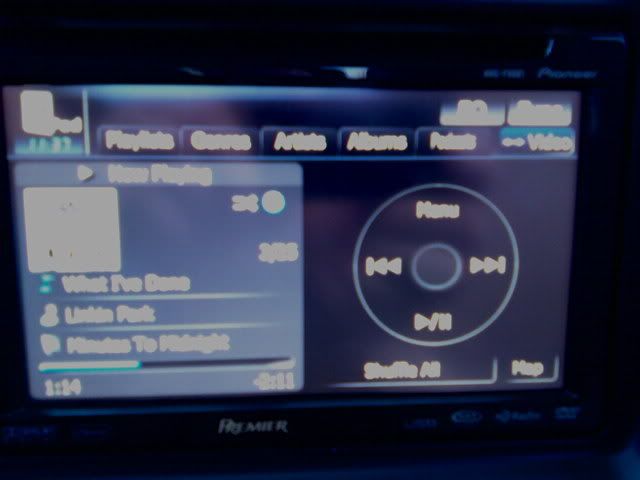
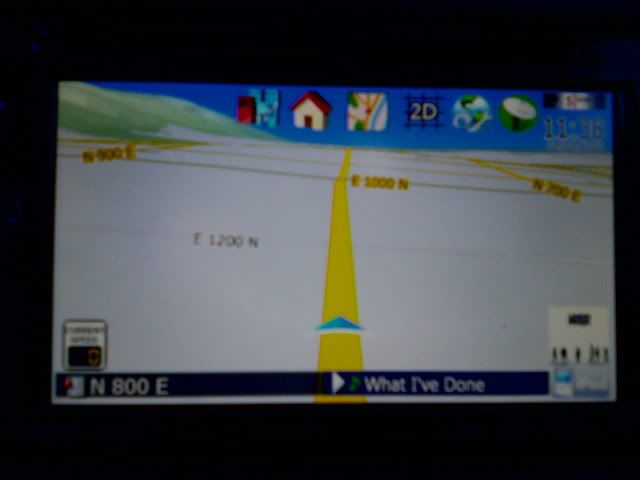
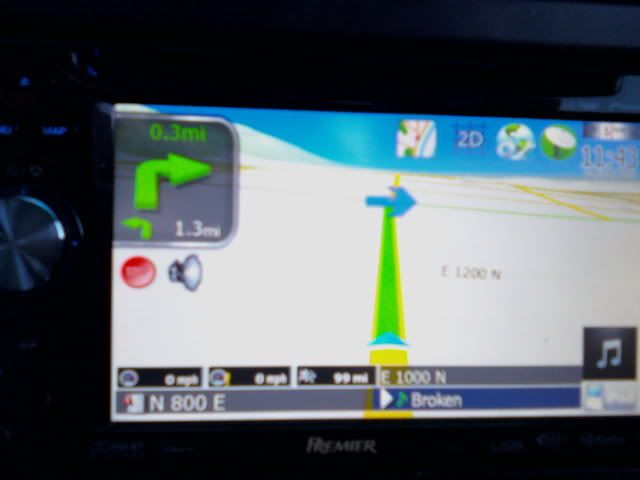
I just recently installed a Double-DIN Nav unit by Pioneer in my rig. Just thought I'd post some pics  Sorry they are crappy, I couldn't find my camera so I used my cell phone.
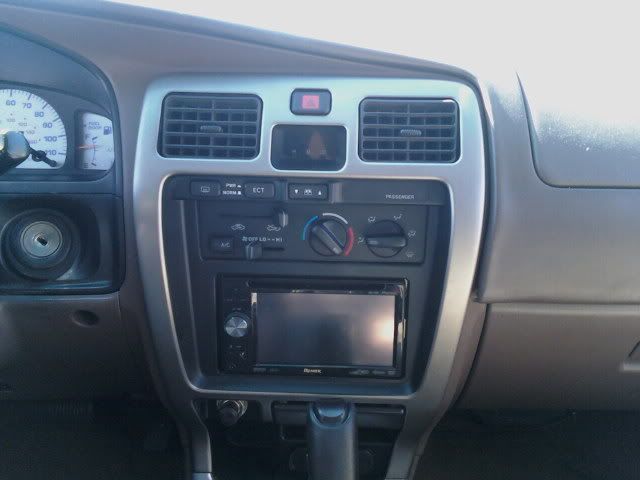
My custom-made Toyota loading screen:
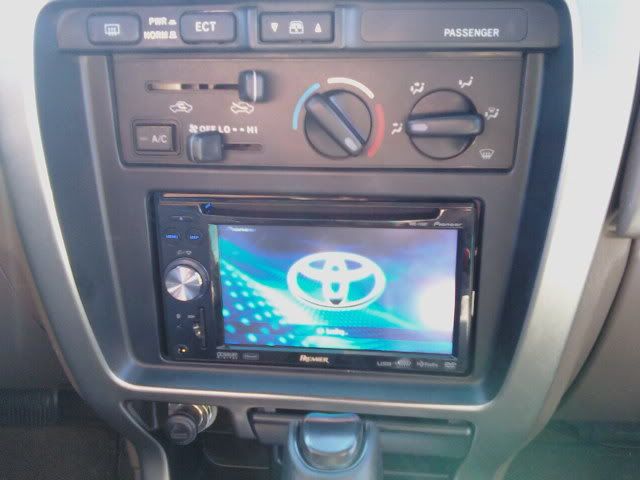
Source select:
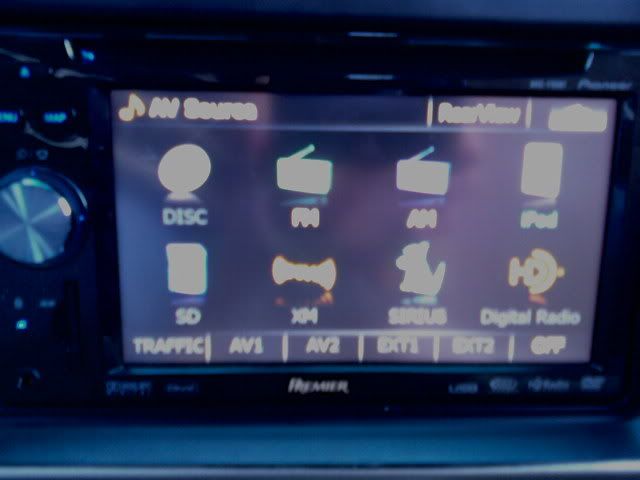
IPod control:
Nav, no route selected:
Nav, route selected:
Sorry they are crappy, I couldn't find my camera so I used my cell phone.My custom-made Toyota loading screen:
Source select:
IPod control:
Nav, no route selected:
Nav, route selected:
Apr 6, 2009 | 03:35 PM
#3
Thread Starter
Registered User
Joined: Jun 2007
Posts: 442
Likes: 1
From: Salt Lake City, UT
I tapped into both the reverse wire and the VSS wire behind the instrument cluster assembly. (speedo, tach, etc...) The reverse wire is red with an yellow stripe and the VSS wire is green with an orange stripe. There are I think four connectors back there, and a LOT of wires but those are the only ones of that color. You installing a Nav unit?
 Apr 6, 2009 | 04:00 PM
#5
Thread Starter
Registered User
Joined: Jun 2007
Posts: 442
Likes: 1
From: Salt Lake City, UT
 Apr 6, 2009 | 04:53 PM
#7
Thread Starter
Registered User
Joined: Jun 2007
Posts: 442
Likes: 1
From: Salt Lake City, UT
Feel free man! Here is another one I made with the TRD logo:
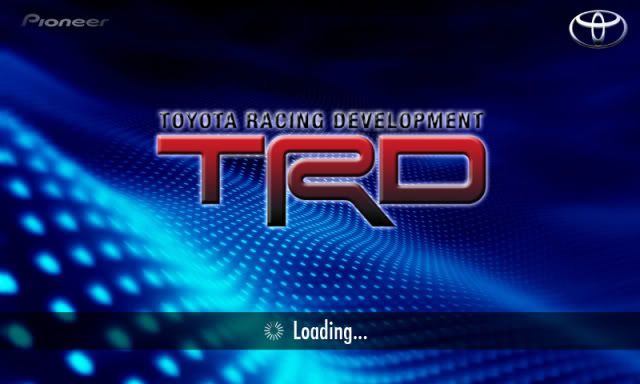
When you actually need one hit me up and I'll send you the actual file. It's better quality
When you actually need one hit me up and I'll send you the actual file. It's better quality
Last edited by pdyebrasil; Apr 6, 2009 at 04:54 PM.
Trending Topics
Apr 6, 2009 | 05:40 PM
#8
Registered User

Joined: Mar 2007
Posts: 216
Likes: 0
thanks!
yes, i will do the work myself... i have replaced the stock headunit with an alpine and have an older eclipse double din dvd/nav to replace the alpine.
you have an auto and i have a manual... should make a difference?
need to search how to remove the instrument cluster now- lol.
thanks again.
joel
yes, i will do the work myself... i have replaced the stock headunit with an alpine and have an older eclipse double din dvd/nav to replace the alpine.
you have an auto and i have a manual... should make a difference?
need to search how to remove the instrument cluster now- lol.
thanks again.
joel
Hey Joel,
I tapped into both the reverse wire and the VSS wire behind the instrument cluster assembly. (speedo, tach, etc...) The reverse wire is red with an yellow stripe and the VSS wire is green with an orange stripe. There are I think four connectors back there, and a LOT of wires but those are the only ones of that color. You installing a Nav unit?
I tapped into both the reverse wire and the VSS wire behind the instrument cluster assembly. (speedo, tach, etc...) The reverse wire is red with an yellow stripe and the VSS wire is green with an orange stripe. There are I think four connectors back there, and a LOT of wires but those are the only ones of that color. You installing a Nav unit?
Apr 7, 2009 | 08:59 AM
#9

If you want to know how to access the instrument cluster check my write up on the reverse gauge install. I go step by step in the cluster removal so you can get to all the wires in the cluster. Really pretty easy. Good luck
https://www.yotatech.com/forums/f2/r...en-3-a-120466/
https://www.yotatech.com/forums/f2/r...en-3-a-120466/
Apr 7, 2009 | 04:11 PM
#11
Thread Starter
Registered User
Joined: Jun 2007
Posts: 442
Likes: 1
From: Salt Lake City, UT
Apr 12, 2009 | 07:54 PM
#12
Registered User
Joined: Jun 2007
Posts: 425
Likes: 2
From: Orting, WA
Your greeting screen is awesome! and I'm glad to see the Pioneer fit with no problems - I wonder why crutchfield lists it as a no-go.
If only your greeting screen said Kenwood instead of Pioneer, I would have to download it for my rig.
If only your greeting screen said Kenwood instead of Pioneer, I would have to download it for my rig.
Dec 22, 2009 | 08:53 AM
#13

OK, my 96 Limited has two yellow with red striped wires at the cluster but no red with yellow so I'm not sure which is the reverse wire. Anybody have an idea? That's my stopping point right now.
Hey Joel,
I tapped into both the reverse wire and the VSS wire behind the instrument cluster assembly. (speedo, tach, etc...) The reverse wire is red with an yellow stripe and the VSS wire is green with an orange stripe. There are I think four connectors back there, and a LOT of wires but those are the only ones of that color. You installing a Nav unit?
I tapped into both the reverse wire and the VSS wire behind the instrument cluster assembly. (speedo, tach, etc...) The reverse wire is red with an yellow stripe and the VSS wire is green with an orange stripe. There are I think four connectors back there, and a LOT of wires but those are the only ones of that color. You installing a Nav unit?
 Dec 22, 2009 | 11:23 AM
#15
I have the VSS hooked up, just not the reverse which I just learned isn't necessary unless I am hooking up a reverse camera. I wanted to know which wire at my cluster is the reverse wire since I don't have a red with yellow stripe wire back there. I have two yellow with red stripe and according to the previous posts there should be a red with yellow stripe wire which would be reverse.
Jan 15, 2010 | 12:53 PM
#16
Thread Starter
Registered User
Joined: Jun 2007
Posts: 442
Likes: 1
From: Salt Lake City, UT
Yes, the reverse wire is there so that it can automatically bring up the camera screen... VSS is so that if gps signal is lost (tunnel, buildings, etc...) the Nav still knows how fast you are going.
Bypass was done with a repinned harness as well
Jan 15, 2010 | 01:10 PM
#17
OK, I'm still learning about this unit so forgive my question but how did you get that screen on there?!! Pretty cool!
Jan 15, 2010 | 01:33 PM
#18
Thread Starter
Registered User
Joined: Jun 2007
Posts: 442
Likes: 1
From: Salt Lake City, UT
avic411.com forums is a great place to learn about your nav and how to hack it

Thread
Thread Starter
Forum
Replies
Last Post
punks_is_4x4
86-95 Trucks & 4Runners
10
Aug 21, 2015 01:35 PM
94ofCanada
86-95 Trucks & 4Runners (Build-Up Section)
3
Aug 14, 2015 06:37 AM
Esibnitsud
86-95 Trucks & 4Runners
0
Jul 30, 2015 08:19 PM


