


PC cooling

 Jun 13, 2004 | 08:40 PM
#22

Contributing Member
Joined: Jul 2003
Posts: 530
Likes: 0
From: Evergreen, CO
Originally Posted by Mystickal
Yeah, but you still have a HSF over your CPU. And another one over your Northbridge.
~Bill
~Bill
 )
Jun 26, 2004 | 12:42 PM
)
Jun 26, 2004 | 12:42 PM
#23

Thread Starter
Co-Founder/Administrator
iTrader: (1)
Joined: May 2002
Posts: 32,242
Likes: 21
From: Auburn, Washington
Card Cooler is in
Picked up the fan today from Andy, and it's nice, and HUGE 
The temps did go down some, but I am only able to record the CPUs temp, and not the case, as I don't have a temp probe for that.
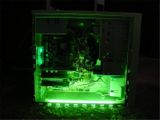
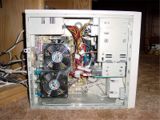
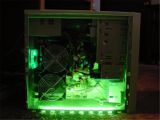
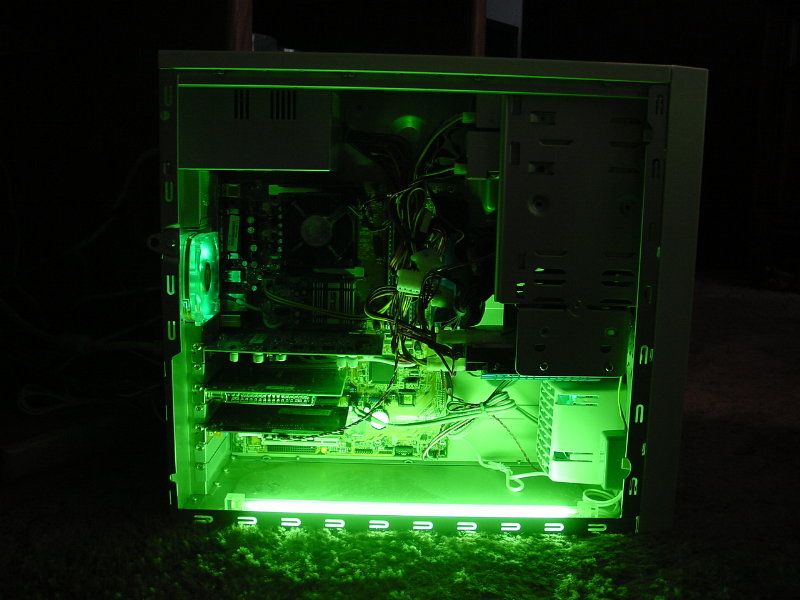
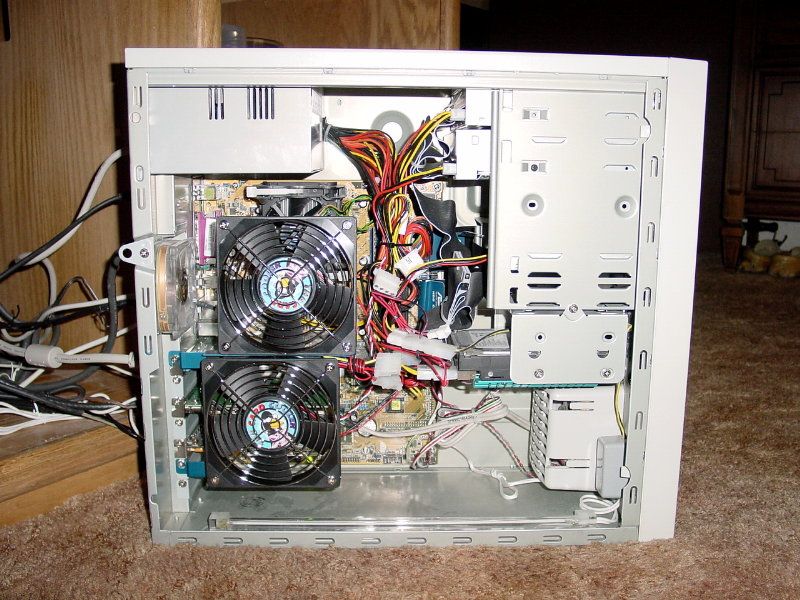
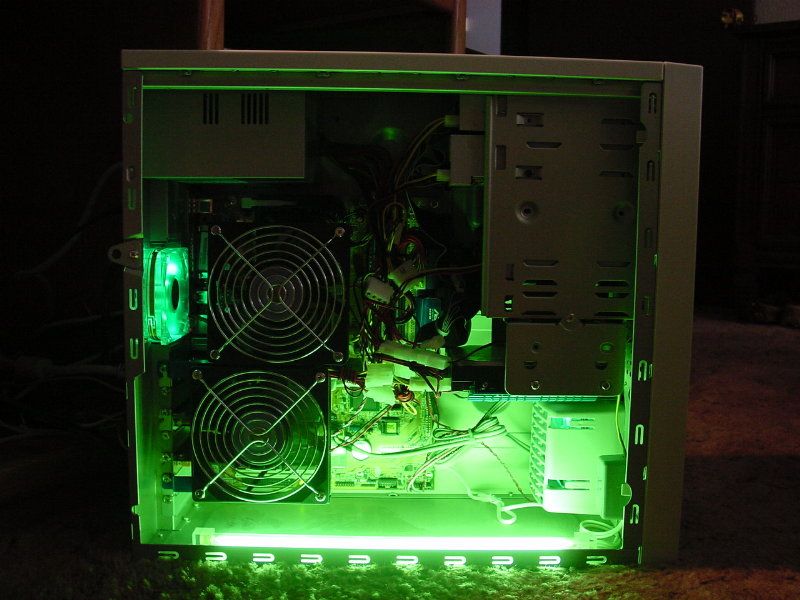
Pic one is without the new fan, and the next two are with it.
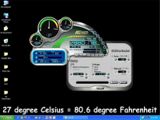
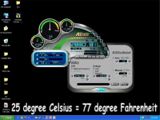
The fourth and fifth pics are screenshots of the Asus AI Booster that displays vital statistics of the PC, and also lets you overclock from Windows instead of booting to the BIOS first.
There is a slight increase in fan noise, but nothing worth writing home about.
More info on the card and a detailed write-up of it can be found on my website on the PC page.
The temps did go down some, but I am only able to record the CPUs temp, and not the case, as I don't have a temp probe for that.
Pic one is without the new fan, and the next two are with it.
The fourth and fifth pics are screenshots of the Asus AI Booster that displays vital statistics of the PC, and also lets you overclock from Windows instead of booting to the BIOS first.
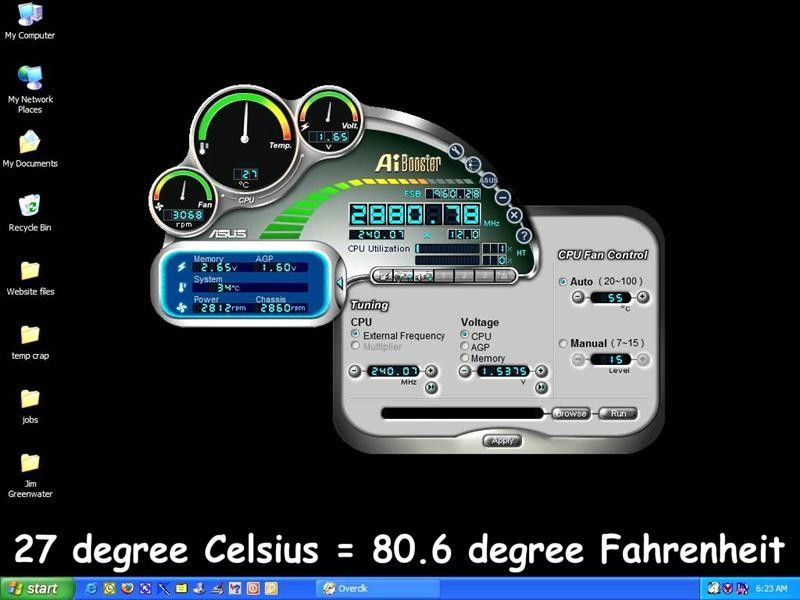
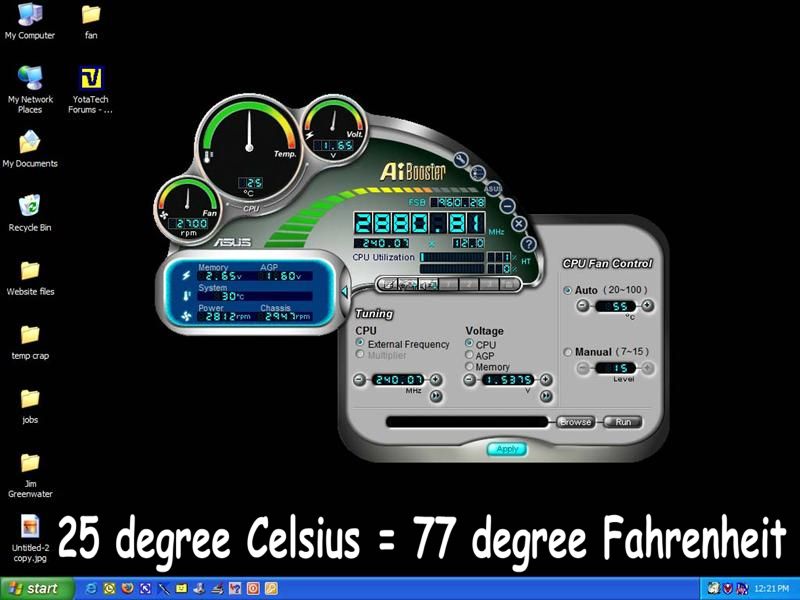
There is a slight increase in fan noise, but nothing worth writing home about.
More info on the card and a detailed write-up of it can be found on my website on the PC page.
 Jul 24, 2004 | 02:18 PM
#25

Contributing Member
Joined: Jul 2004
Posts: 2,370
Likes: 0
Originally Posted by Corey
Picked up the fan today from Andy, and it's nice, and HUGE
The temps did go down some, but I am only able to record the CPUs temp, and not the case, as I don't have a temp probe for that.
Pic one is without the new fan, and the next two are with it.
The fourth and fifth pics are screenshots of the Asus AI Booster that displays vital statistics of the PC, and also lets you overclock from Windows instead of booting to the BIOS first.
There is a slight increase in fan noise, but nothing worth writing home about.
More info on the card and a detailed write-up of it can be found on my website on the PC page.
The temps did go down some, but I am only able to record the CPUs temp, and not the case, as I don't have a temp probe for that.
Pic one is without the new fan, and the next two are with it.
The fourth and fifth pics are screenshots of the Asus AI Booster that displays vital statistics of the PC, and also lets you overclock from Windows instead of booting to the BIOS first.
There is a slight increase in fan noise, but nothing worth writing home about.
More info on the card and a detailed write-up of it can be found on my website on the PC page.
Jul 24, 2004 | 02:53 PM
#26
Thread Starter
Co-Founder/Administrator
iTrader: (1)
Joined: May 2002
Posts: 32,242
Likes: 21
From: Auburn, Washington
Yeah, both the green LED fans are hooked upto the motherboard and are sensor fed the info to speed up or slow down.
But all that is done through the BIOS.
I can also turn that feature off and just have these two fans go full throttle all the time.
But all that is done through the BIOS.
I can also turn that feature off and just have these two fans go full throttle all the time.

Thread
Thread Starter
Forum
Replies
Last Post
kawazx636
The Classifieds GraveYard
34
Oct 6, 2021 03:03 PM
83yotastockR
86-95 Trucks & 4Runners (Build-Up Section)
11
Nov 10, 2015 06:54 AM


