


Photoshop help
 Oct 19, 2009 | 02:14 PM
#1

Thread Starter
Co-Founder/Administrator
iTrader: (1)
Joined: May 2002
Posts: 32,242
Likes: 21
From: Auburn, Washington
Photoshop help
I can do some clear GIF'ing, but not some pipcs that require them to be a perfect cutout and with a clear background.
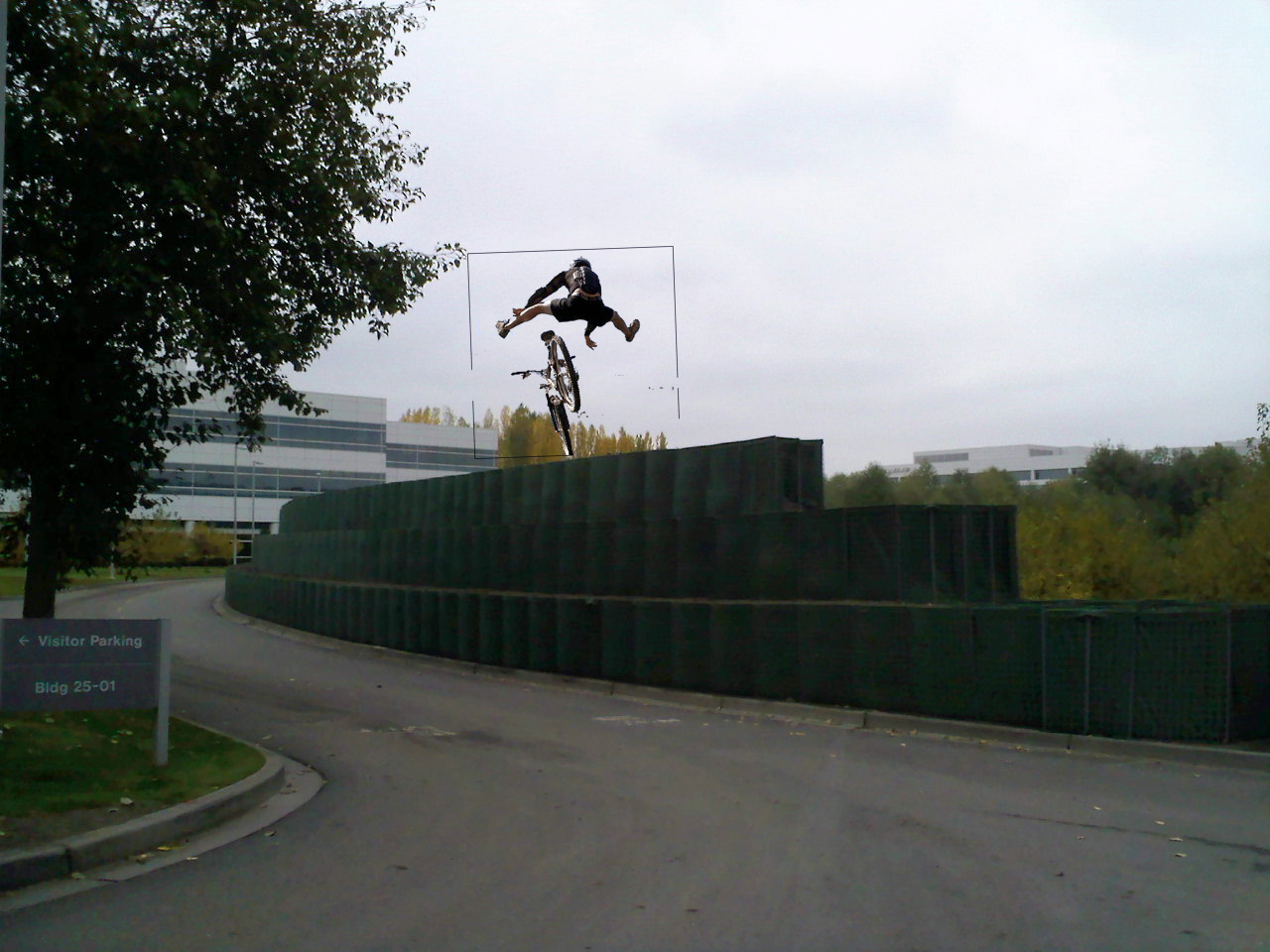
Can someone work some magic on this one?

I want to play a joke on my boss.
We have those Hesco barriers going up around work for the flood if they have to release water this winter from the Howard Hanson dam, there is a separate thread on that.
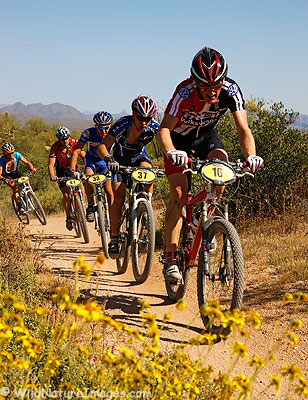
I want to take the biker (I can do that much) and put it on top of the Hesco like he is riding it, then print it out and slip it on the bosses desk
Can someone work some magic on this one?
I want to play a joke on my boss.
We have those Hesco barriers going up around work for the flood if they have to release water this winter from the Howard Hanson dam, there is a separate thread on that.
I want to take the biker (I can do that much) and put it on top of the Hesco like he is riding it, then print it out and slip it on the bosses desk

 Oct 19, 2009 | 03:47 PM
#4
Thread Starter
Co-Founder/Administrator
iTrader: (1)
Joined: May 2002
Posts: 32,242
Likes: 21
From: Auburn, Washington
I can drag it lower, but the wheel would still show.
I want the handlebar to show too.
Just that ugly black outline I can not get rid of.
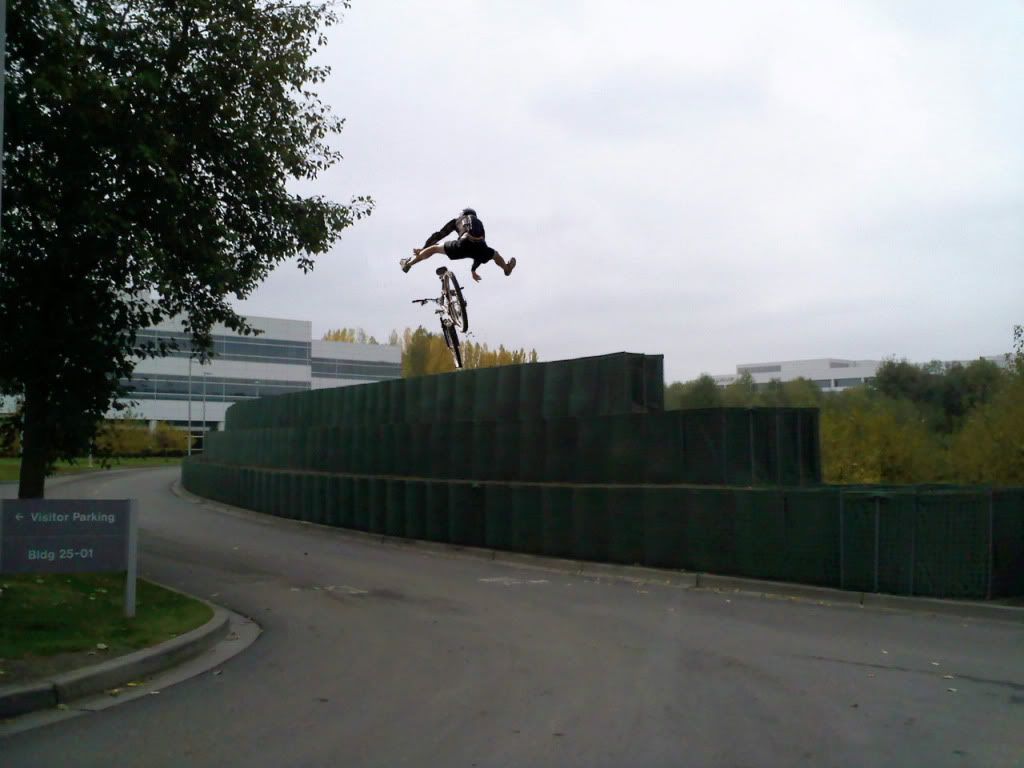
That wall there is 3x4' Hescos.
Most places around our complex are only 8' high, but in certain spots they are going 12' high like here.
Worse case scenario we could have 7' of water on the other side
This should keep the water out of our buildings.
I want the handlebar to show too.
Just that ugly black outline I can not get rid of.
That wall there is 3x4' Hescos.
Most places around our complex are only 8' high, but in certain spots they are going 12' high like here.
Worse case scenario we could have 7' of water on the other side
This should keep the water out of our buildings.
 Oct 19, 2009 | 03:50 PM
#6
Thread Starter
Co-Founder/Administrator
iTrader: (1)
Joined: May 2002
Posts: 32,242
Likes: 21
From: Auburn, Washington
Thomas, that is perfect.
I also had used an old MS app called Microsoft Picture It! 99.
I opened up the main picture, then brought in the GIF I made in Photoshop of the biker, then dragged it to the main pic.
I know it can all be done with PS, but I am not that skilled with it.
I also had used an old MS app called Microsoft Picture It! 99.
I opened up the main picture, then brought in the GIF I made in Photoshop of the biker, then dragged it to the main pic.
I know it can all be done with PS, but I am not that skilled with it.

Trending Topics
Oct 19, 2009 | 03:54 PM
#8
Contributing Member
Joined: Jun 2003
Posts: 432
Likes: 1
From: Maryland
I used the clone stamp to edit out the outline. It looks like a little rubber stamp, hold the alt button and click.
You did a good job of moving the picture, that's actually harder than clone stamping.
You did a good job of moving the picture, that's actually harder than clone stamping.
 for other mountain biker pics, and that one seemed to be the best with the guy jumping.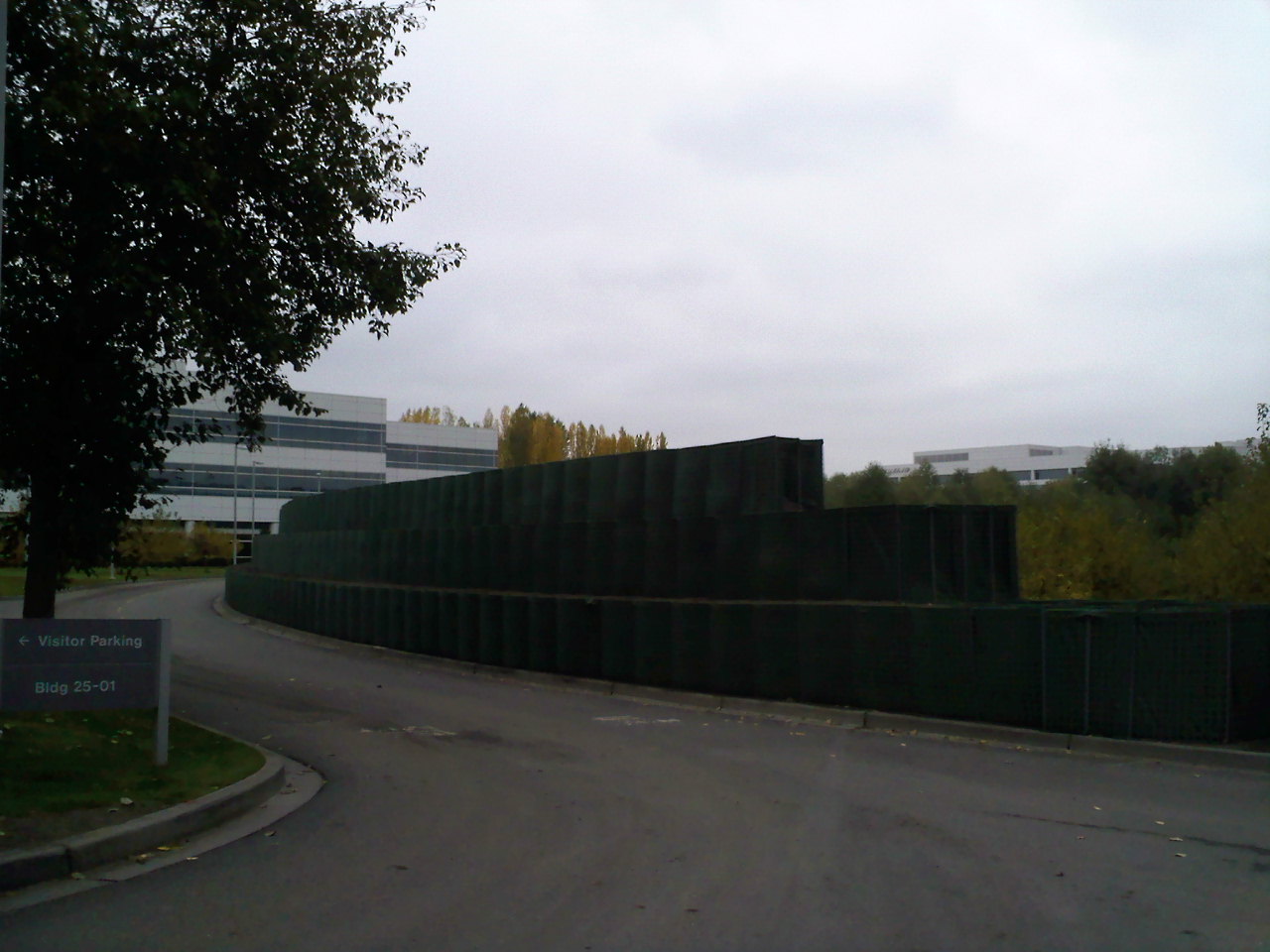
 Oct 19, 2009 | 08:22 PM
#15
Registered User
Joined: Feb 2009
Posts: 7,591
Likes: 76
From: Tacoma, WA


Thread
Thread Starter
Forum
Replies
Last Post
Paul
95.5-2004 Tacomas & 96-2002 4Runners
7
Jan 19, 2005 08:56 PM


