


Image sizing help
 Jan 6, 2013 | 10:16 AM
#1
Thread Starter
Contributing Member
Joined: Jul 2010
Posts: 709
Likes: 1
From: San Jose, CA
Image sizing help
How do I make images from Photo Bucket appear on this site smaller? There are times when I would like to post Pics that are about 1/2 the size of these so that the whole image will fit on one screen without having to scroll through it.
Slider mounting plates
[IMG]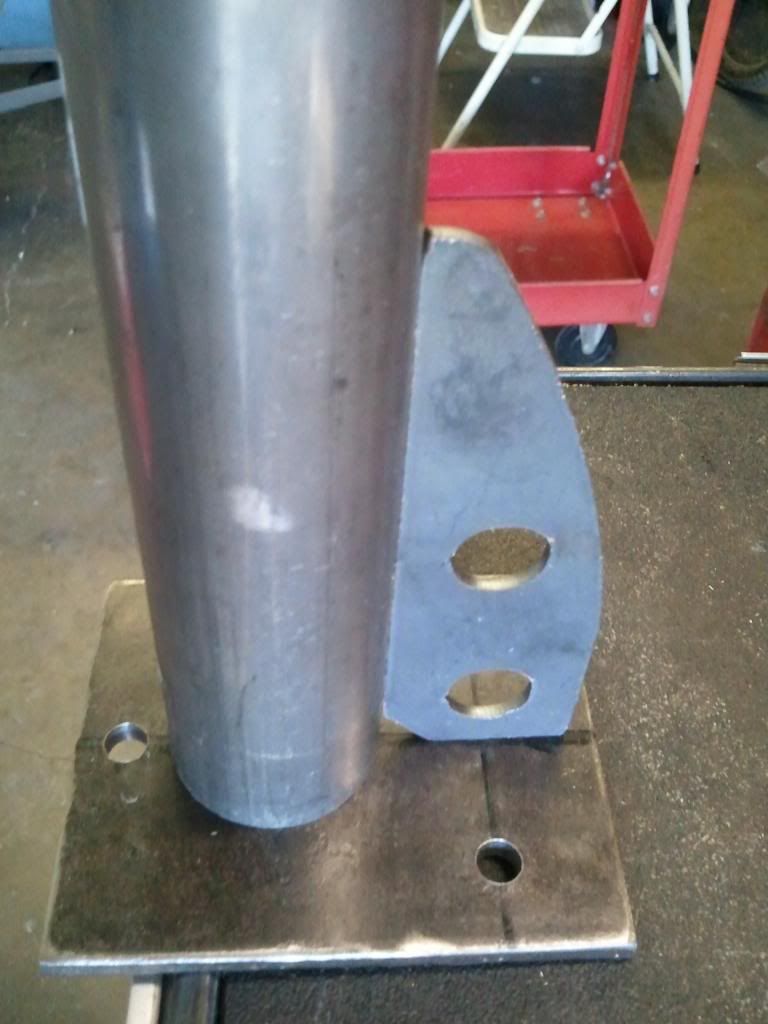 [/IMG]
Fitting up
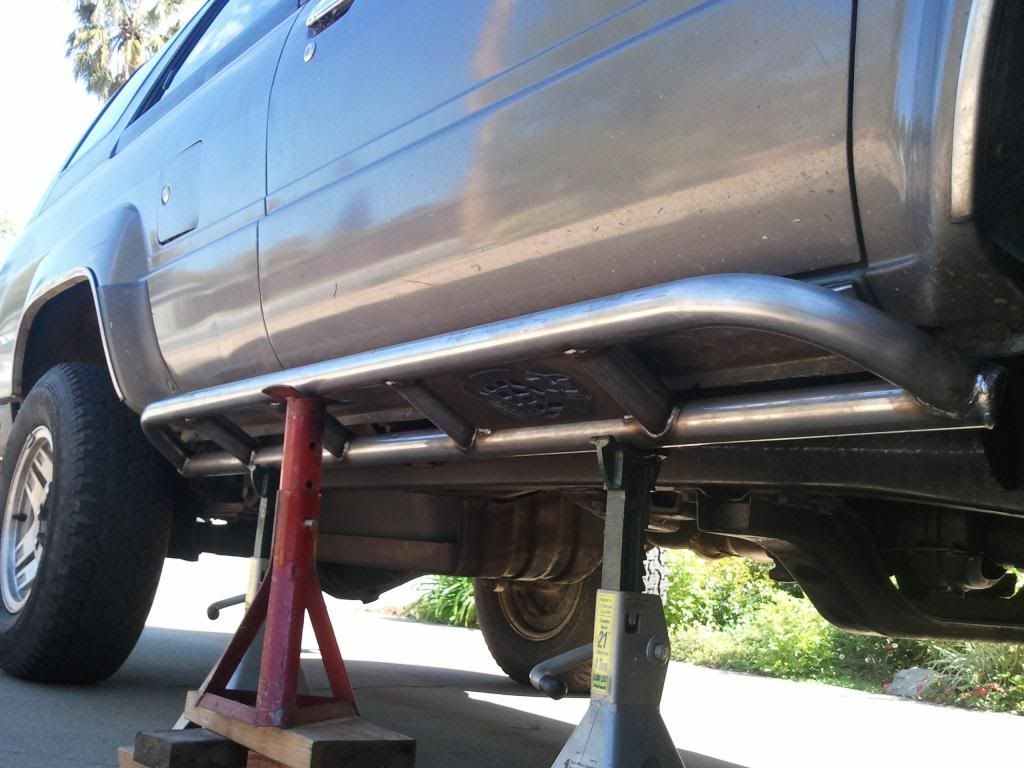
*******************************
How do I make these images smaller?
*******************************
Slider mounting plates
[IMG]
[/IMG]Fitting up
*******************************
How do I make these images smaller?
*******************************
Jan 6, 2013 | 12:46 PM
#2

Registered User
Joined: Oct 2012
Posts: 160
Likes: 0
From: Yuma, AZ
You can re-size the images by using a lower case "L" in the image code. At the end of your image link it will have ".jpg" just put an l in front of that so you have "l.jpg".
Jan 6, 2013 | 01:14 PM
#3
Thread Starter
Contributing Member
Joined: Jul 2010
Posts: 709
Likes: 1
From: San Jose, CA
You can re-size the images by using a lower case "L" in the image code. At the end of your image link it will have ".jpg" just put an l in front of that so you have "l.jpg".
This is what i put in... http://i1286.photobucket.com/albums/...WP_000649l.jpg
This is what I got
[IMG]
 [/IMG]
Last edited by Buck87; Jan 6, 2013 at 01:21 PM.
Jan 6, 2013 | 04:32 PM
#4
Registered User
Joined: Oct 2012
Posts: 160
Likes: 0
From: Yuma, AZ
Ya I even just tried it, thats weird. Must not be compatible with photobucket. Works with imgur and flickr just fine. The other way to re-size them is to actually have photobucket resize them when you upload them. It should be in your options.
Mar 25, 2013 | 11:36 PM
#5

There are mods for vbulletin that allow resizing of IMG tags. But thats a hassle for the admins here. Plus I can't actually see the code to recommend one, not being a subscriber to VB.
Photobucket used to work with the "l" but they've changed it to "th_Filename.jpg". You can just use the "IMG Thumb code" in the drop down over on PB to get the BBcode for a thumbnail.
Photobucket used to work with the "l" but they've changed it to "th_Filename.jpg". You can just use the "IMG Thumb code" in the drop down over on PB to get the BBcode for a thumbnail.

Thread
Thread Starter
Forum
Replies
Last Post
89fourrunner
86-95 Trucks & 4Runners
3
Feb 17, 2016 06:52 AM
justdifferentials
Just Differentials
2
Aug 30, 2015 08:42 PM
justdifferentials
Just Differentials
1
Aug 15, 2015 05:25 PM


